
How to make videos in higgsfield
From a blank screen to a finished video. Which model to pick, how to write a prompt, and what to add so it looks like real footage.
From text to a finished video — eight steps.
Why Higgsfield
Everything in one account
Seedance 2.5, Kling, Veo, Wan and the image models. One subscription instead of five.
Images and video side by side
You make the character, the location and the video itself in one place.
You see the price before you run
The Generate button shows how much it will cost. No surprises.
Open instructions
Higgsfield publishes how to write prompts for each model. This guide is built on them.
Everything below is shown in Higgsfield. The prompts and rules work in any service that has the same models.
Here for the gladiators video?
This guide covers the basics: how Higgsfield works and how to write a prompt. The exact prompts from my videos, and the steps to build a video like that with your own characters, are in the full guide.
See the full guide — $9.90How it works
Higgsfield is a service that brings different neural networks together: some make images, some make video, some make sound. Here they are called models.
A video is almost always built in three steps.
Images
The character, the location, the object: whatever has to look the same in every frame.
Video
The model brings the scene to life from your description and those images.
Editing
Cuts, color, titles. That part happens in CapCut or DaVinci Resolve.
Five terms you will see below
- Prompt
- A text description of the scene for the model.
- Shot
- One continuous piece of the video, from one cut to the next.
- HARD CUT
- A sharp cut: one shot is replaced by the next at once.
- Credits
- The service's internal money. Every generation spends some.
- 480p, 720p, 1080p
- Image sharpness. The higher the number, the sharper and the more expensive.
Which model to pick
Pick the model for each scene separately. To start, one is enough: Seedance 2.5.
Video
The model list opens from the Model row in the Video window. Each model shows its quality and clip length.
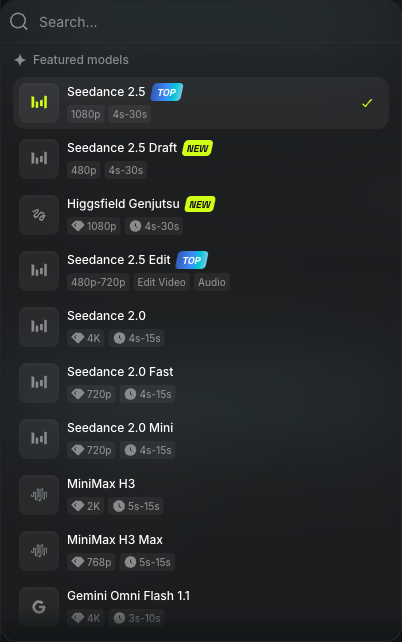
The list of video models. Screenshot from October 9, 2026.
Seedance 2.5 main pick
Real-looking people, ads, scenes made of several shots.
Seedance 2.5 Draft
A rough version of the same scene before the final run.
Kling 3.0
A scene made of several connected shots in a row.
Google Veo
The most believable motion and light. For one "expensive" shot.
Wan 3.0
When you need to set the first and the last frame. Recoloring a finished video.
Minimax Hailuo
Fast, cheap tests of an idea.
Images
Soul 2.0 and Soul Cinema
A portrait of the character: a fashion or a cinematic look.
Nano Banana Pro
Quickly change something around the character while keeping the character. Objects and products.
Seedream 5.0 Pro
A complex scene with a long description.
GPT Image
When the image needs text or an exact brand color: it handles them better than most.
The model list keeps changing and names may differ. Take the newest version of the same family. This is the list as of October 9, 2026.
Character — location — object
You can give the model not only text but also reference images: the character, the location, the product. In Higgsfield they are called References. The model sticks to the reference, and the character stays the same from video to video.
When do you need a reference? One question answers it:
Will it appear more than once?
- One scene, a nameless character
- Prepare nothing. Describe the character in words in the prompt.
- One character in several videos
- Make a reference image of the character first and save it.
- An ad: the product exactly as it is
- Upload a photo of the product. Don't describe it in words.
- One location, several shots
- Upload an image of the location.
- Exact colors and style matter
- Upload a style reference image.
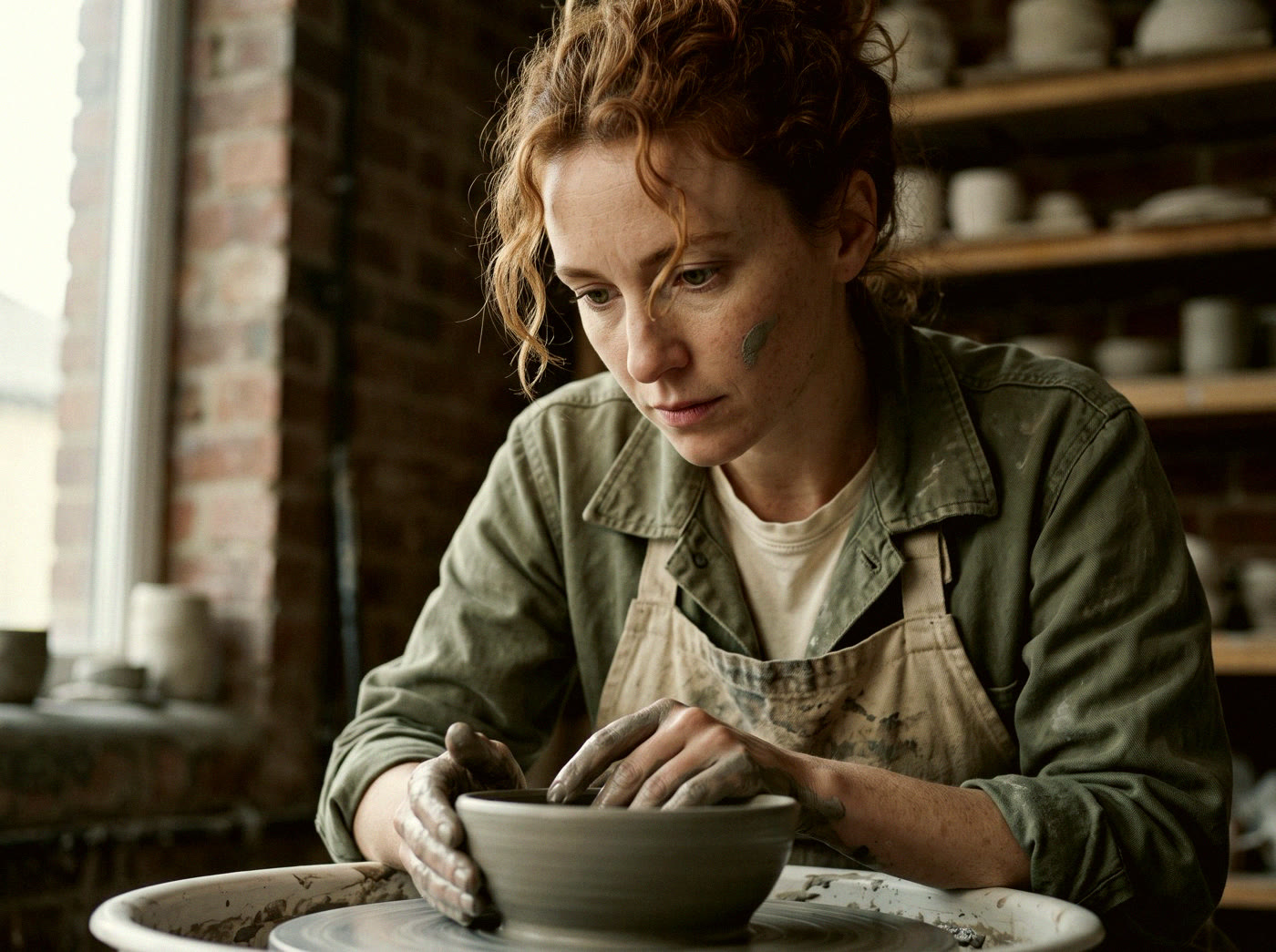
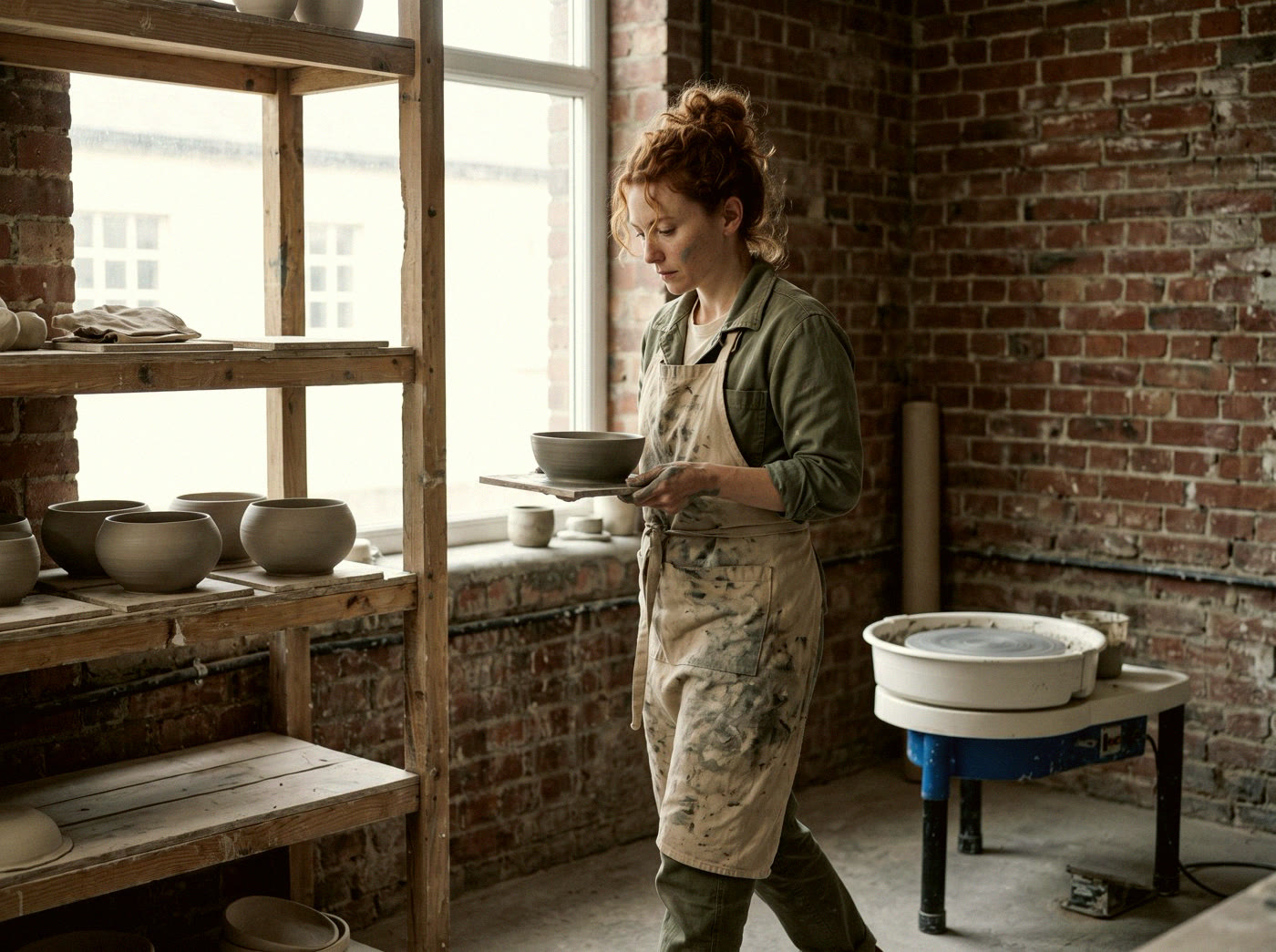
How to make a character reference

Open the Image section
It is at the top, next to Video. Pick an image model from section 2.
Describe the character
Age, face, hair, build, clothes. Ask for a character sheet on a plain gray background: the face from the front and a full-body view.
Download the image
Upload it to References in every video with this character.
The order
First, everything that repeats: the character, their clothes, the location, the objects. Then the video. If you start with the video, the character will be a new person in every clip.
One character for the whole video
The full guide has a character sheet template and shows how I made Franklin: he stays the same person in all eight scenes.
See the full guideWhere to write the prompt
A prompt is a description of the scene for the model. The Video section is in the top menu of the site.

This is the window where everything happens. The numbers on the screenshot are the step numbers.
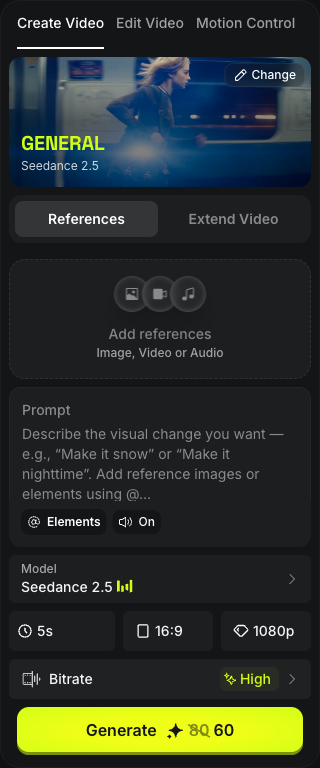
The window on higgsfield.ai, Video section. Screenshot from October 9, 2026.
Open the Video section
Go to higgsfield.ai, sign up or log in, and click Video at the top. The Create Video tab opens on the left.
Pick the model
Find the Model row under the text field, click it and choose Seedance 2.5.
Upload references
If you have references for the character, location or product: Add references. You can put an image, a video or a sound here. Do it before the text.
Paste the prompt
Your text goes into the Prompt field. How to write it is in sections 5 and 6.
Leave the sound on
The On button under the field is the sound. The model makes it by itself, together with the video.
Length, aspect ratio, quality
Three buttons in a row. 9:16 is for Reels and TikTok, 16:9 is for YouTube.
Look at the price
The Generate button shows how many credits (the service's internal money) will be spent. The number changes with length and quality.
Click Generate
In a couple of minutes the finished video appears on the right, in History. Download it. If the prompt had several shots, the video is already cut together.
Draft first
For a test, set a lower quality or choose Seedance 2.5 Draft in the model list. It comes out noticeably cheaper; check the price on the Generate button. When everything is in place, run the same prompt in good quality.
How a prompt works
The model needs a list: what, who, where, how it is shot. It understands a story told "from start to finish" worse.
A prompt is one text where each part starts with a label. This order is recommended by Higgsfield itself:
- GLOBAL STYLE
- Genre, color, film or digital look, aspect ratio, and what must not be there.
- SCENE
- One line: what happens, where, what mood.
- CHARACTERS
- Each person: face, hair, build, clothes.
- LOCATION
- The place and the objects in it, separately from the people.
- FIRST FRAME AND BLOCKING
- Who stands where and looks where in the first frame.
- SHOT 1, SHOT 2…
- Each shot (a piece of the video from cut to cut): framing and action, by the second.
- OPTICS
- The lens for each shot.
- CAMERA
- The camera movement for each shot.
- PHYSICS
- How fabric, hair, smoke and water move.
- LIGHTING
- Where the light comes from and what kind it is.
- AUDIO
- What is heard and what must not be heard.
Skip a part and the model fills it in by itself, usually the wrong way. Without LOCATION, for example, the place changes from shot to shot.
If you uploaded references
Don't describe the character in words again. Say what to take from the image: identity and wardrobe locked to the reference image, ignore the reference backdrop. The text then describes only the action and the camera.
A simple version for the first time
One or two sentences in this order: who is doing what → where and in what light → how the camera moves → the mood. Sounds go separately.
A woman walks through a crowded train station at rush hour, checking her phone, camera tracking close at shoulder height, warm overhead fluorescent light, tense and rushed. SFX: station ambient noise, announcements in the background.
Prompt with a chat assistant
You don't have to write the prompt from scratch. Describe the scene in your own words, and a chat assistant turns it into a prompt: ChatGPT, Claude, Gemini or any other.
On a free plan
In a free chat you usually have to give the rules again in every conversation, and the number of messages is limited. So send everything in one message. Copy it and add your scene at the end.
You write prompts for the Seedance 2.5 video model.

Rules:
1. The answer is one text, and each section starts with a label. Order: GLOBAL STYLE, SCENE, CHARACTERS, LOCATION, FIRST FRAME AND BLOCKING, SHOT 1…N (with seconds), OPTICS, CAMERA, PHYSICS, LIGHTING, AUDIO.
2. One action per shot, and it is already in progress in the first frame.
3. Name objects in plain words: smartphone, glass bottle.
4. Each shot has its own camera movement. The camera is never completely still.
5. Shots have different lengths. At the end of every shot except the last one, write HARD CUT (a sharp cut).
6. Light: where it comes from and what kind it is. Not "beautiful light".
7. At the end of GLOBAL STYLE, the bans: no text on screen, no subtitles, no logos, no slow motion.
8. Faces are invented: every face is fully original and invented.

First ask me up to three questions if something is missing. Then write.

My scene: [describe: who, what they are doing, where, how many seconds, vertical or horizontal]
After that, ask for one change at a time: "in shot 2 replace the camera movement with a slow push-in, leave the rest as it is".
On a paid plan, save these rules in a project once: new chats inside it already follow them.
An assistant already set up for videos like mine
The full guide has a ready-made text for ChatGPT, Claude or Gemini. The assistant asks about your world, your character and your scenes, then writes the prompt for a whole video in this style.
See the full guideHow to get realism
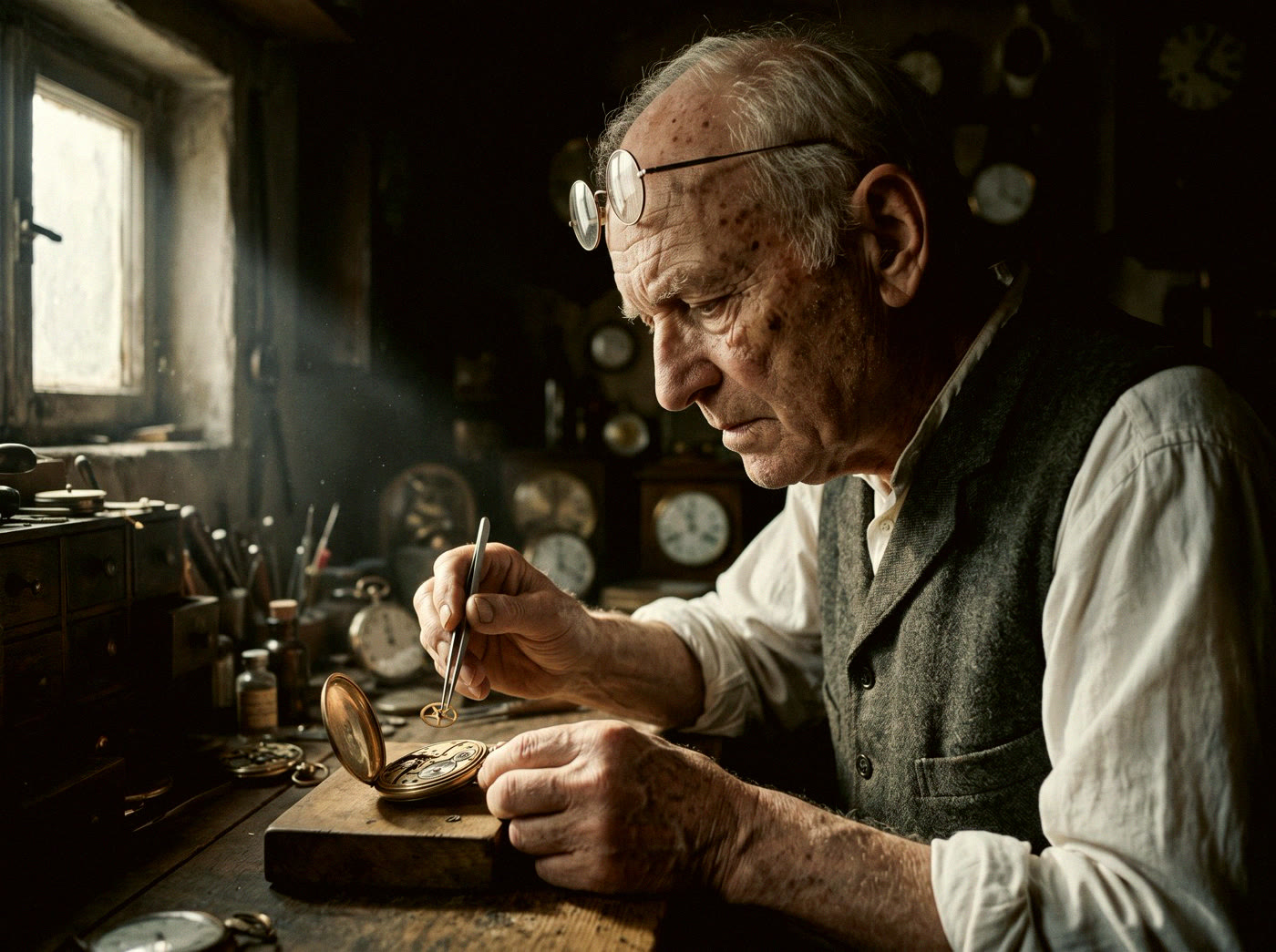
By default the model makes a glossy picture. To make it look like real footage, ask for imperfections directly. Paste the lines below into your prompt as they are.
Skin and face
skin unretouched and hyper-detailed: pores, fine lines, slight asymmetry. Natural pore texture, no over-retouching, no beauty filter.
Add small living details: natural blinks, a reaction that comes half a second late.
Light
One real source and its direction.
one real light source: high midday sun from the left, hard shadows
It also helps to say what you don't want: NOT soft, NOT diffused.
Camera
Say who is shooting and how. Handheld:
handheld weight, operator breathing, small human corrections, no smooth drone glides
On a tripod or a dolly:
slow, deliberate, machine-smooth dolly move, no handheld jitter
For a video that looks shot on a phone: arm's-length wobble, tiny refocus moments.
Lens and film
Set one lens per shot, for example 35mm lens, and don't change it inside the shot. For a cinematic look, add grain:
light authentic 35mm film grain, halation bloom on highlights
Motion and weight
The main giveaway of AI video is that everything "floats". Ask for weight:
walking carries true weight: heel strike, weight transfer. Hair strands move and release, never static. Fabric lags behind the body.
And always: real-time motion, no slow motion.
Sound
Only the sounds of the place:
on-location sound only: footsteps on wet pavement, distant traffic. No music, no narration.
What else helps
One action per shot
Three actions in three seconds turn into a mess.
Keep the character big
The character and the main object take up at least half of the frame. Small things are drawn worse.
Add a second person
If the scene allows it: a passer-by, a seller. A frame where someone reacts to the character looks more alive.
Nobody looks at the camera
Unless it is a talk to the viewer:
nobody looks into the lens.Don't ask for text in the frame
It comes out as gibberish. Add captions in editing.
Finish the color in editing
If the model didn't give you the grain or color you want in two tries, don't spend credits. Add them in editing.
See these lines at work
The full guide has 46 scenes from my videos, each with the frame, the exact prompt and what worked or failed. Take what works and change it to fit your idea.
See the full guideIf it came out wrong
Change one thing at a time
Either the prompt or the reference, not both. Otherwise you won't know what helped.
One bad shot? Fix only that shot
Change the description of that shot and run again. Leave the rest of the text alone.
Two to four tries is normal
That is how many one shot usually takes.
Don't argue with the model
If it keeps failing at an exact hand pose or a crowd that reacts on cue, think of a different shot and save your credits.
Want the whole video, not one shot?
This guide got you to your first video. With the full guide you build a complete video in the style of my videos: gladiators on scooters, a Chinese emperor in a track jacket, a minotaur in the arena, Halloween night: your idea, your characters, your setting.
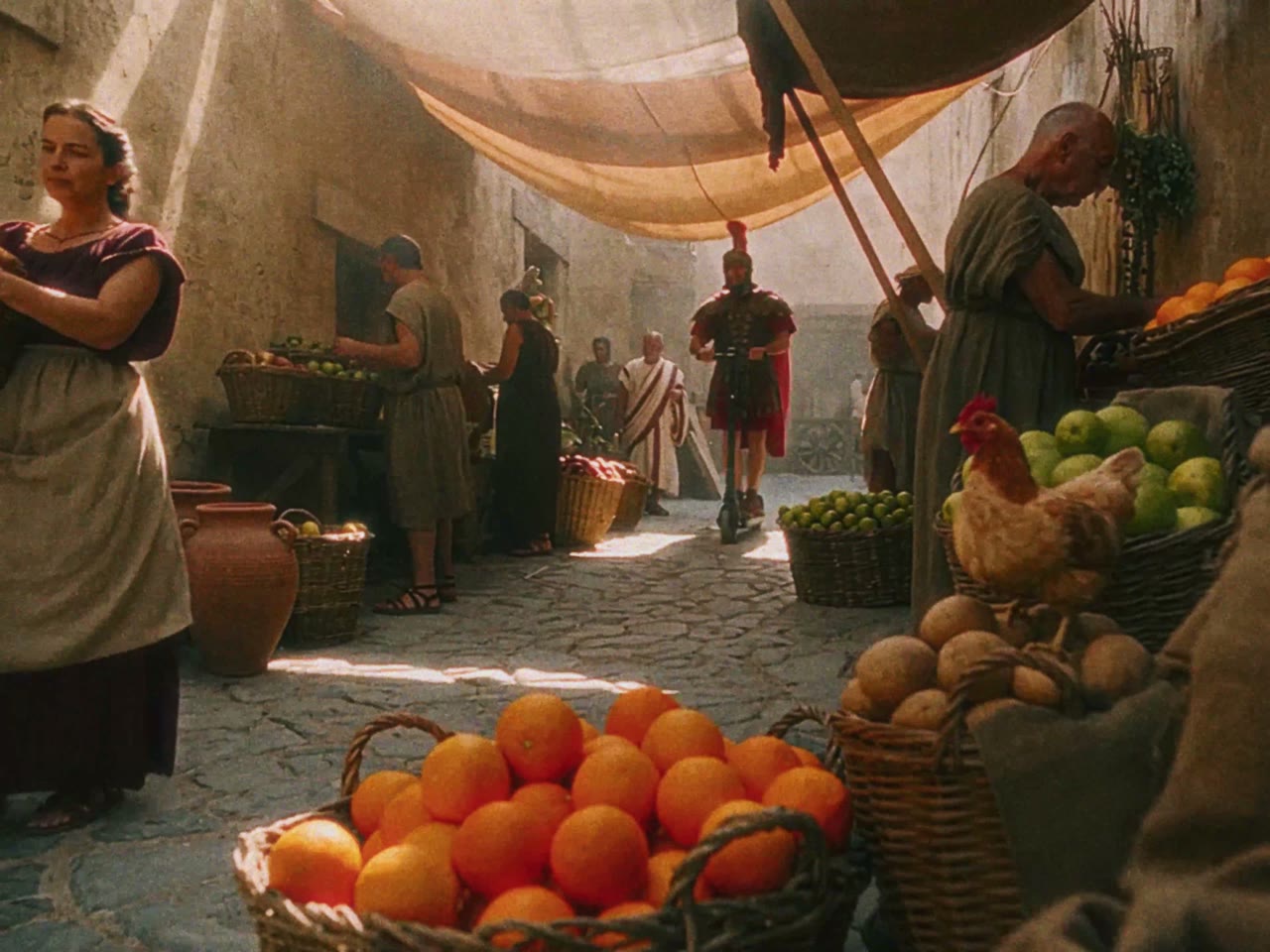
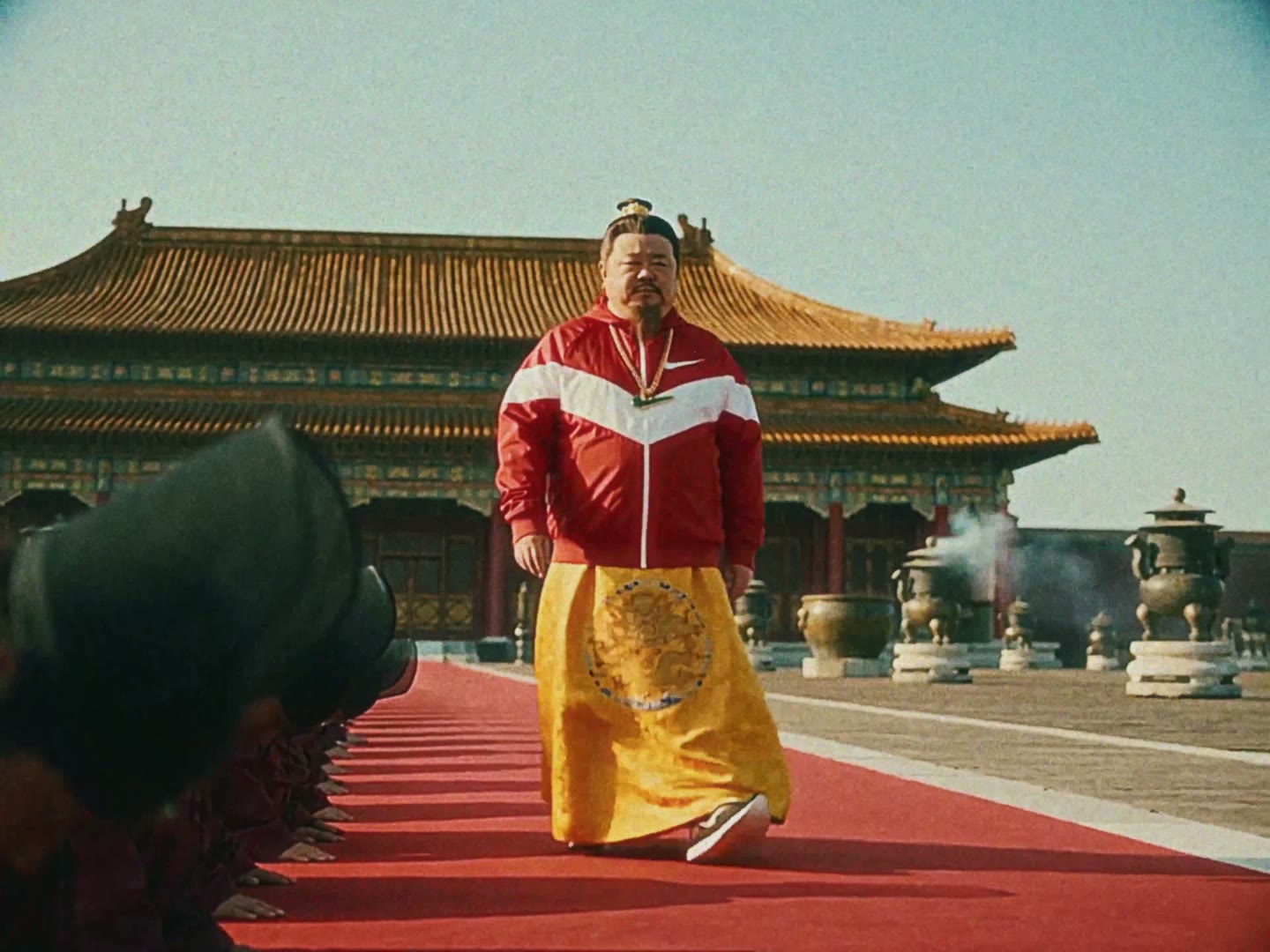
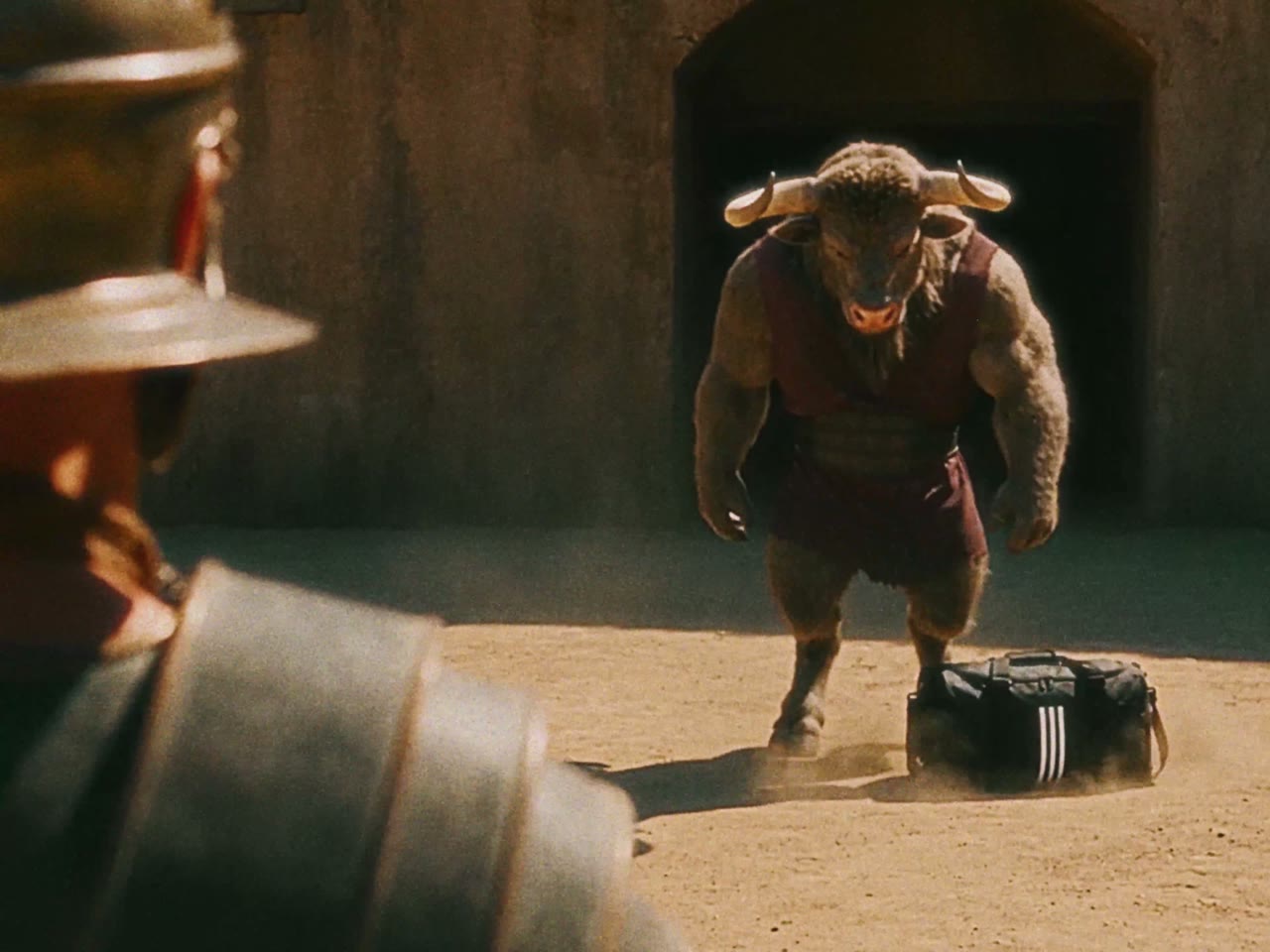
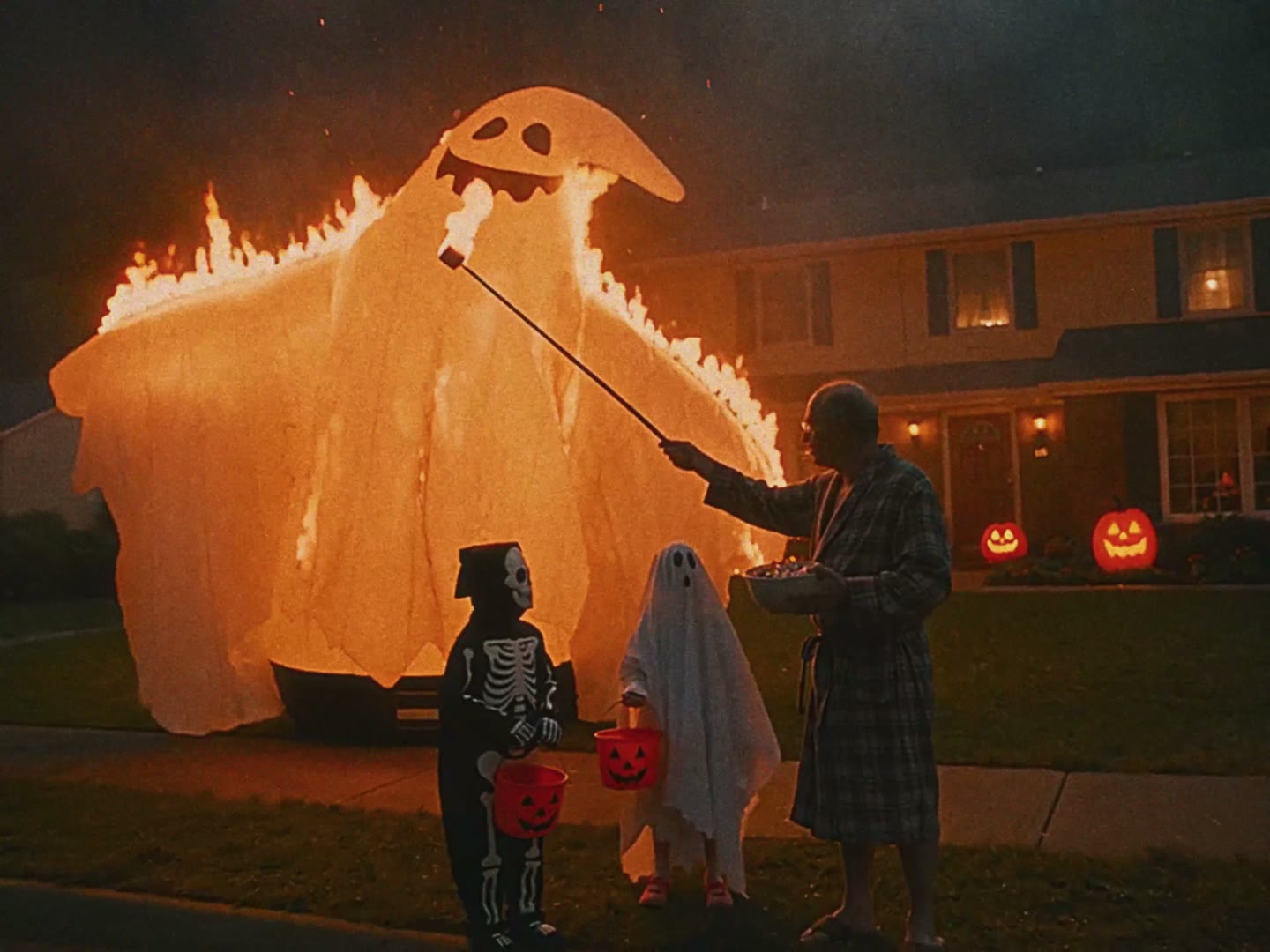
16 steps from idea to finished video. Any world, any characters, any scenes, in two or three generations.
3 ready-made templates. An assistant prompt that questions you and writes the video prompt, a fill-in template and a character sheet template.
The mistakes that cost me generations, and how to avoid them.
A short edit and color pass in CapCut.
Also inside: 46 scenes from six of my videos. Each with the frame, the exact prompt and what worked or failed.
Guaranteed. You will learn to make videos like these and set up any AI assistant, free or paid, so it understands your request. Your credits go into finished scenes, and you stop burning them on failed generations.
2M+ views on the videos I made this way.
$9.90 until October 30, then $15One payment, no subscription. You get the link right after checkout.
Get the full guideNow it's your turn
Open Higgsfield, take the message for the assistant from section 6 and make your first draft. If you have questions, write to me. I try to answer everyone.
Get the full guide — $9.90 @mr_sukhx on Instagram